TRUST MODULE
Make compliance and security information accessible in a controlled and documented way.
Compliance.Trust enables you to provide compliance and security documents publicly or in protected form, manage access requests, and inform external stakeholders in a traceable way.
Provide documents publicly or in protected form
Document updates and NDA status

Manage access requests centrally
Audit-ready at the push of a button
How Compliance.Trust works
Set up documents
Compliance and security documents are uploaded and configured for the Trust Center. Several document types can be managed in parallel.

Define accessibility
For each document, it is defined whether it is publicly accessible or protected. This is how you determine which information is visible externally and which is only released on request.

Publish
Documents and reporting channels are activated in the Trust Center. Your own Trust Center URL can be shared and linked on your own website.

External parties access
Customers, partners, and auditors retrieve published documents directly in the Trust Center or submit an access request for protected content.

Document access
Requests, NDA status, and access granted are documented without gaps. This way, it remains traceable at all times who was able to access what.
Evaluate and update
The status of all documents and requests is evaluated, and content is updated as needed. This keeps the Trust Center up to date at all times.

Features & evidence
Real processes. Clear evidence. Audit-proof documentation across all modules of the Compliance.Portal platform.
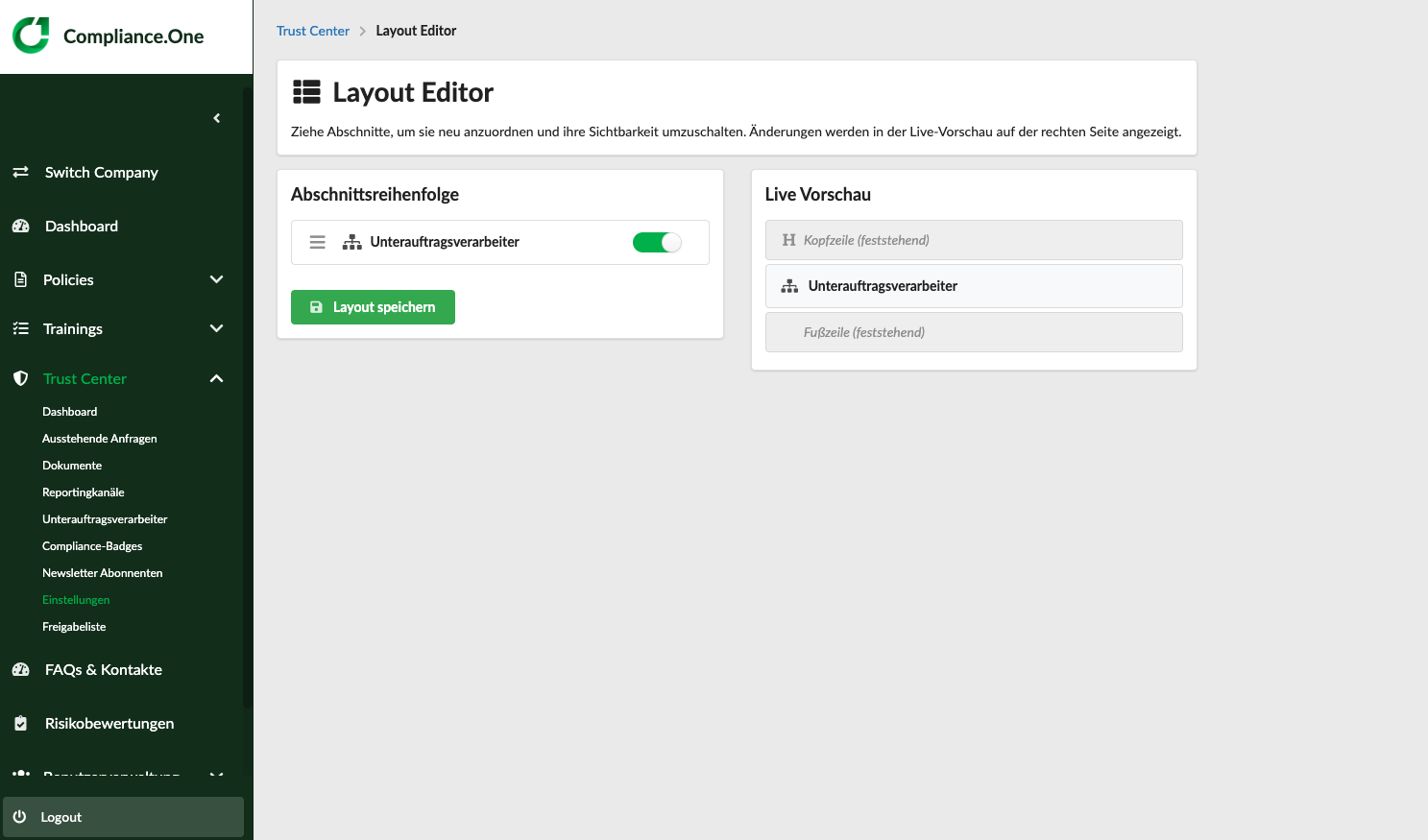
Trust Center Dashboard
Provide compliance information where it is needed.
Features
Public and protected documents are published centrally.
Evidence
Access, requests, and updates remain traceable at all times.
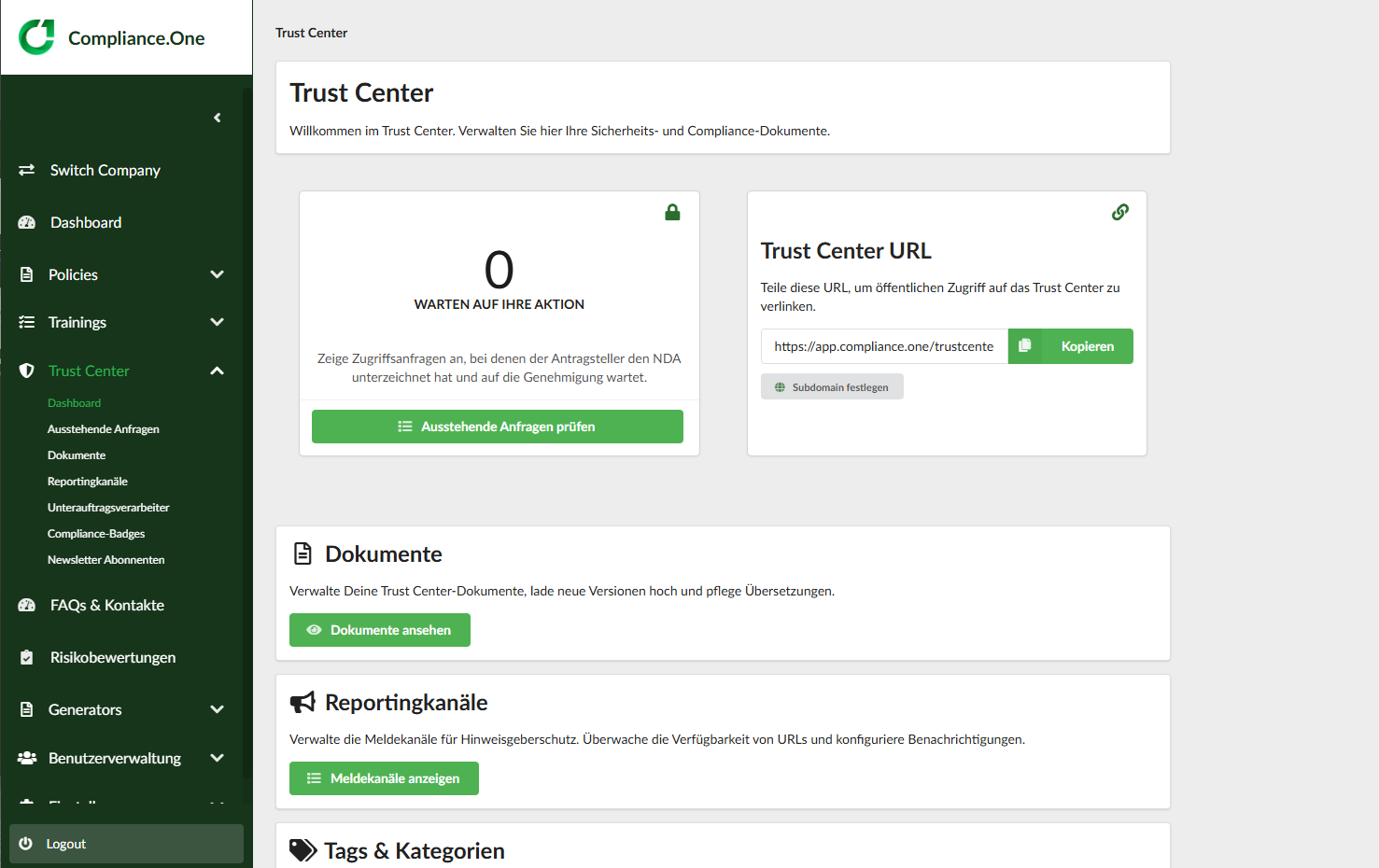
Trust Center URL
The public Trust Center address can be shared and linked.
Features
A dedicated Trust Center URL enables external access without login.
Evidence
Access frequency and release status of the URL are documented.
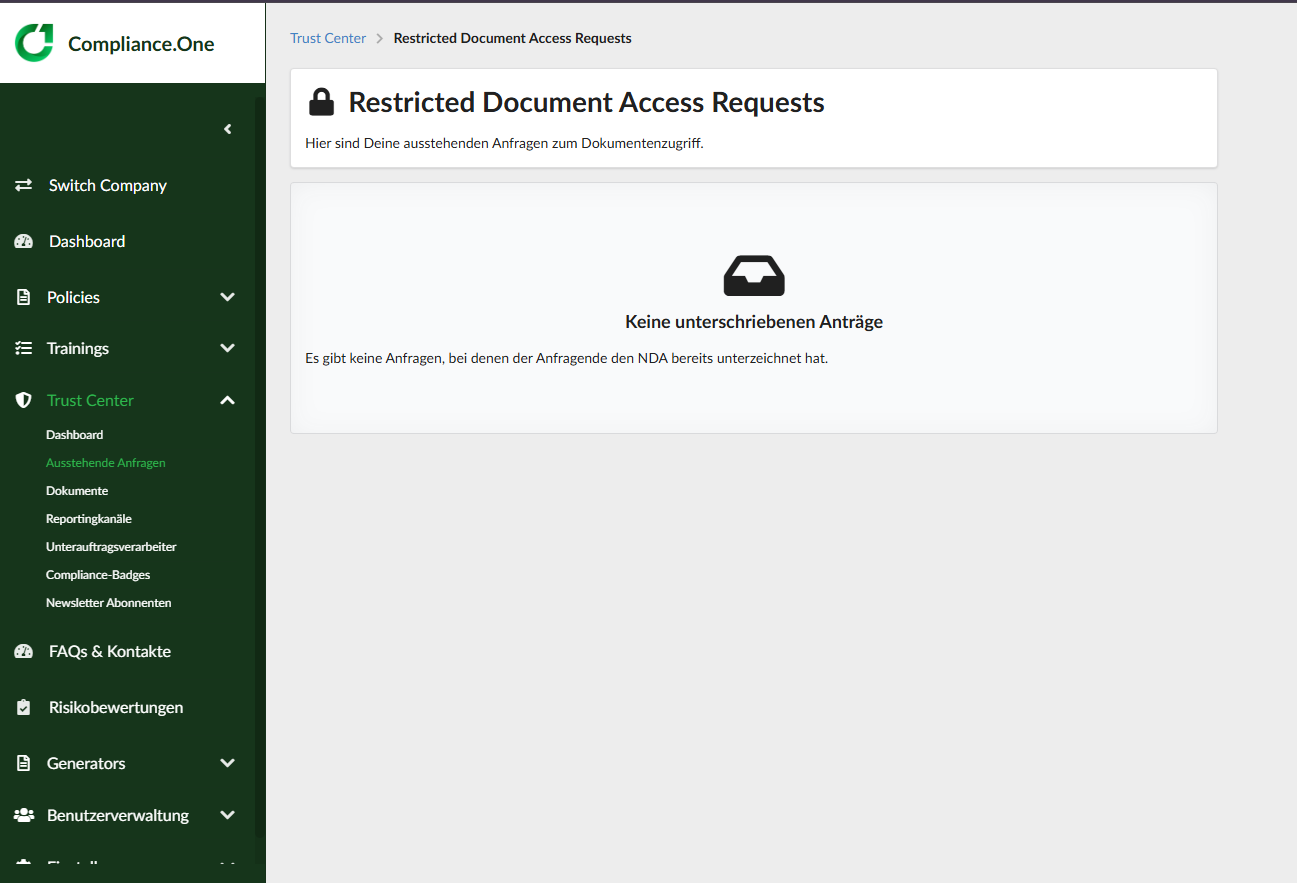
Manage documents
Security and compliance documents are managed centrally and kept up to date.
Features
New versions can be uploaded and translations maintained.
Evidence
Which version is currently published is traceable at any time.
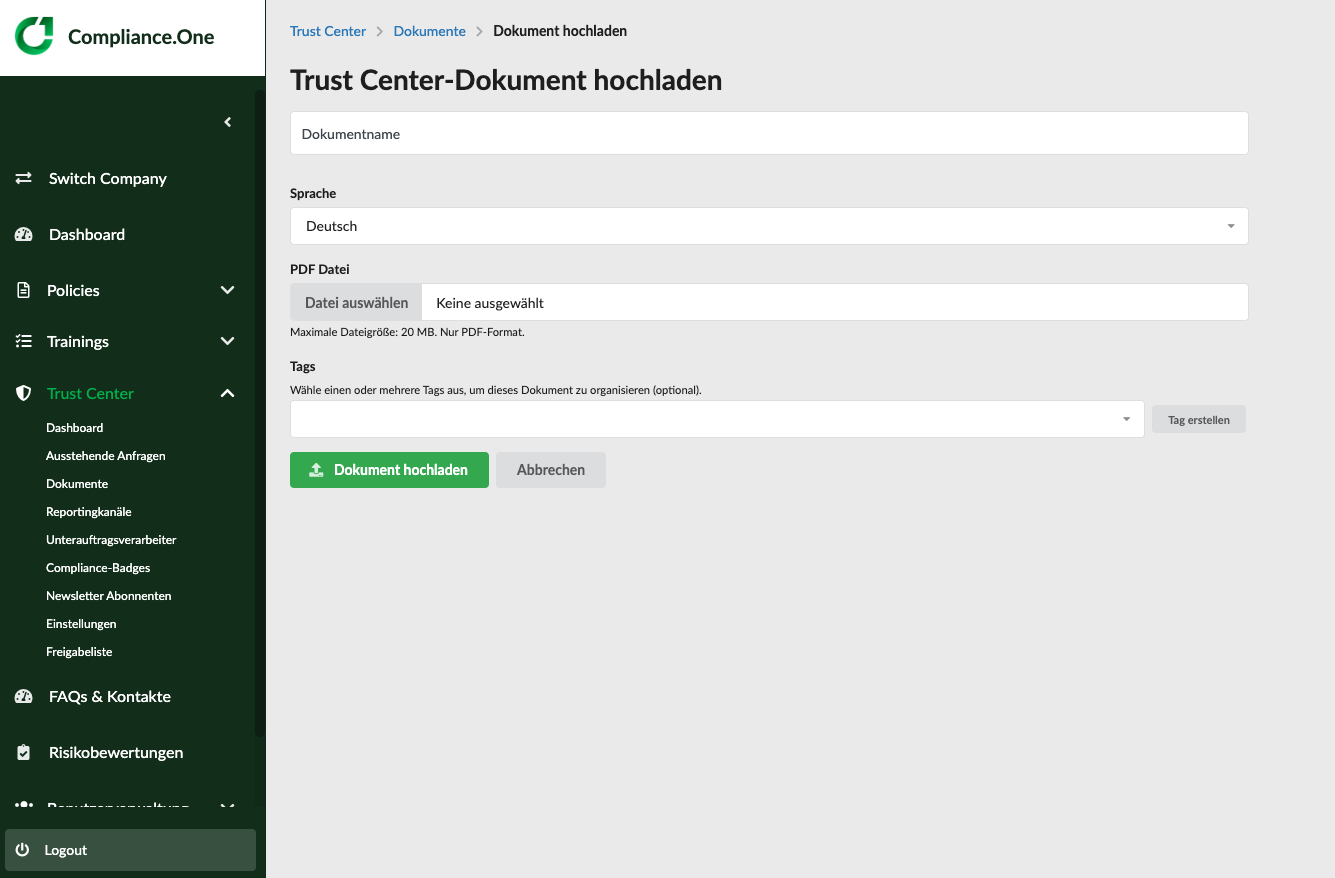
Access requests
External stakeholders can request access to protected documents.
Features
Pending requests are reviewed centrally and approved or rejected.
Evidence
Every request and decision is documented.
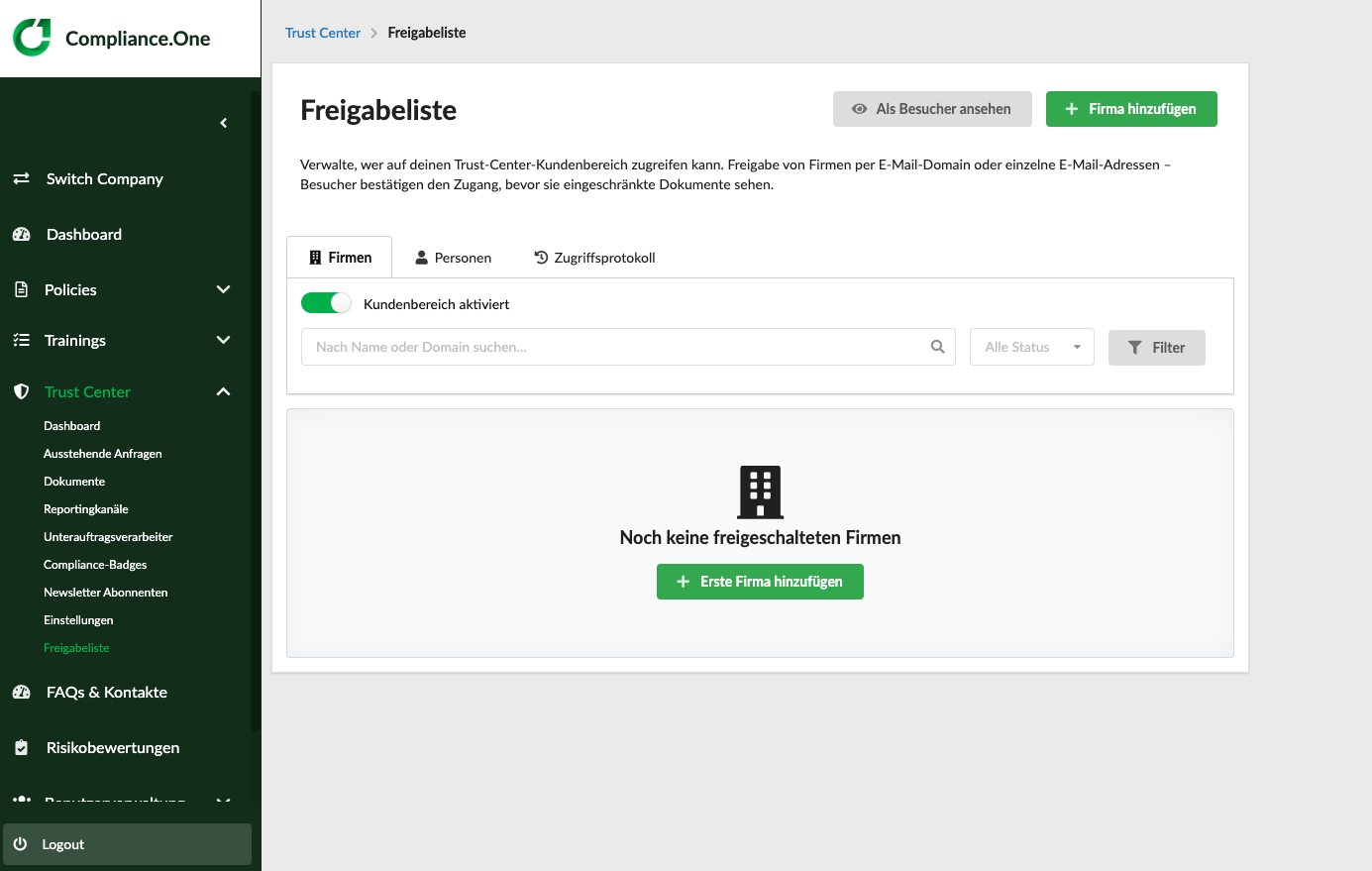
Reporting channels
Reporting channels for whistleblower protection can be managed via the Trust Center.
Features
Availability of the reporting channels is monitored; URLs can be configured.
Evidence
Status and reachability of the reporting channels are documented.
Benefits for different areas of the company
Management
Sees whether external security and compliance requests are answered reliably.
HR / Administration
Manages documents and access approvals in the Admin Cockpit.
Compliance / Data Protection
Checks which documents are provided publicly or in protected form, and documents approvals.
IT / Information Security
Assesses access logic and security requirements for published documents.

Employees
Retrieve documents, submit access requests, and receive updates.
Compliance.Trust in the overall system
Shared features
Shared Admin Cockpit
Shared configuration options
Shared reminder and reporting logic
Shared language and branding options
Useful combinations
1. Learning + Policies
Trainings and policies can be assigned to the same target group.

2. Whistle + Services
Reporting channels can be combined with an external ombudsperson or legal advice.
3. Trust + Policies
Documents can be managed internally and made visible externally where necessary.
4. Learning + Services
Training modules can be linked with expert support, e.g. data protection, AI, or information security.
Transparent. Modular. Predictable.
All modules can be booked individually and extended at any time – with no hidden costs.

Software
Compliance.Trust
from 99€
per training / month
Public and protected document provision
Dedicated Trust Center URL
Access management for protected content
Reporting channel configuration
Optional: Additional languages
Optional: Custom branding of the Trust Center page
Optional: Advanced NDA workflows
Frequently asked questions
Can we upload our own documents?
Yes, your own compliance and security documents can be uploaded and provided in the Trust Center
Which documents should be public and which protected?
You decide that yourself for each document. Public content is freely accessible; protected content requires approval by you.
How is access to protected documents managed?
External stakeholders submit an access request, which is reviewed in the Admin Cockpit and approved or rejected.
How is NDA-protected access documented?
Every request, approval, and the associated NDA status are documented without gaps.
Which languages are supported?
The Trust Center can be provided in multiple languages so that international stakeholders can use it in their own language.
How does the module connect with other areas of the portal?
Compliance.Trust uses the same Admin Cockpit and the same reporting logic as the other modules.
Which services can be added?
ISO 27001 readiness support, security documentation, data protection documentation, and vendor management support.
Schau Dir das Modul live im Portal an.
Wir zeigen Dir alle wichtigen Features wie Einrichtung, Zuweisung, Abschluss und dokumentierte Nachweise in einer fokussierten Modul-Demo.
Anmeldung zum Newsletter
Wir halten die Texte kurzweilig und verständlich. So wird sogar ein trockener Compliance-Artikel zur angenehmen Lektüre beim Morgenkaffee. Probier den Newsletter doch einfach mal aus. Wissen ist Macht und wir liefern es Dir frei Haus!